
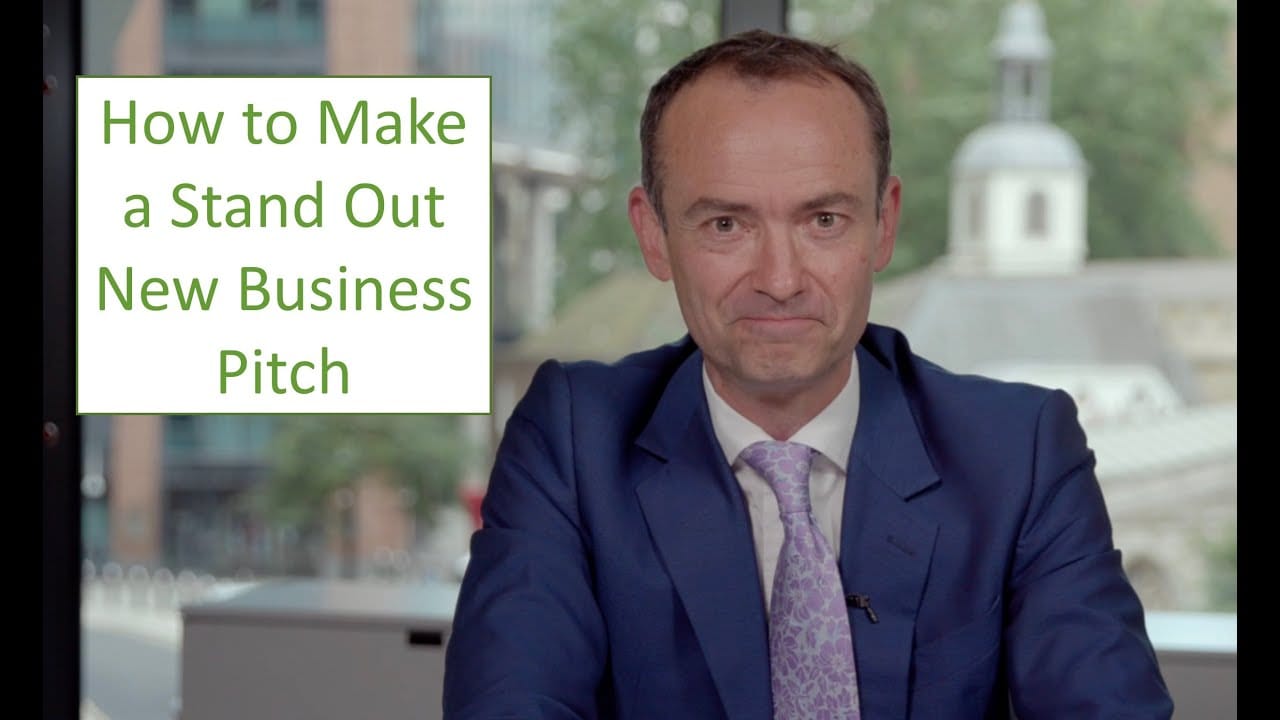
How to Look Confident on Camera: Short-Form Video for Business Leaders
February 06, 2026
Updated 11 October 2026
Most senior leaders are comfortable in a boardroom. But, put a phone camera in front of them and hit record, and something changes: the voice flattens, the eyes drift and the message gets lost.
Short-form video is now one of the fastest ways for you as a leader to reach your team, clients and investors. It is also one of the least forgiving. The camera removes every cue you rely on in a live room and magnifies every hesitation.
This guide covers the techniques we use when coaching executives for video: how to look, sound and feel confident on camera, in two minutes or less.
Speak to Louise Angus today to discuss your needs

Meet the Author: Benjamin Ball
Ben is the founder of London-based Benjamin Ball Associates. He leads the presentation coaching and pitch deck creation teams. Formerly a corporate financier, for 20+ years he’s helped businesses pitch, present & persuade. He is a guest lecturer at Columbia Business School, Imperial College and UCL London. Follow Ben on LinkedIn or visit the contact page.
At Benjamin Ball Associates, we help leaders master content creation and communication — from short clips to full presentations — so you can deliver your brand’s message clearly and confidently. Get in touch to discuss how we can help.
Book an on-camera coaching session now
How to Look Confident on Camera – 10 Tips
1. Why Confidence on Camera Is Harder Than in a Meeting
In a meeting, you get constant feedback: nods, questions, reactions. You adjust without thinking. A camera gives you nothing back. That means many people fill the silence with nervous habits: talking faster, over-explaining, glancing away.
The camera also magnifies. A small frown reads as displeasure, low energy reads as disinterest and a rushed sentence reads as anxiety. That’s why technique matters more on video than in person.
All of this can be transformed with expert coaching.
2. Start with One Clear Message
Confidence on camera starts before you press record. If you’re unsure what you’re trying to say, it shows immediately.
Use our AIM framework: who is your Audience, what is your Intent (what should they do or think afterwards), and what is your one-sentence Message?
| Before | After |
|---|---|
| “I wanted to share a few thoughts on how the quarter went and some of the things we’ve been working on.” | “We beat our Q3 target by 12%. Here’s the one thing that made the difference.” |
| “Just a quick update on the new system and what it means.” | “From Monday, expenses take two minutes, not twenty. Here’s how.” |
One video, one message. If you have three points to make, record three videos.
3. Look into the Lens, Not at Yourself
The single biggest giveaway of nerves on video is the eye line. Many people watch their own image or pictures of others on screen, which makes them look slightly down and away from the viewer.
Our brains are very sensitive to good eye contact. To get across the feeling of great eye contact:
- Set the camera at eye level or just above. Stack books under a laptop if you need to.
- Look into the lens, as if it were the eyes of the person you’re talking to.
- Hide your own image if the app allows it. You can’t judge your performance while you’re giving it.
4. Turn Your Energy Up
The camera flattens energy. A level that feels natural in person looks subdued on screen. Aim for about 20% more energy than feels comfortable: slightly more volume, a warmer tone and more variation in pace.
Pause more than feels natural. A pause before your key point tells the viewer it matters; a pause after gives it time to land. Most people pause far too little on camera, because silence feels longer to the speaker than it does to the viewer. The only pauses to avoid are hesitant ones: stalling mid-sentence or filling the gap with “um.” Read more about using pauses well.
5. Use Stillness as a Super Power
On a small screen, movement is magnified. Swaying, fiddling and constant head movement all read as nerves. You want to keep your body still, but still show some movement from your hands and arms.
- Sit or stand upright, shoulders relaxed.
- Keep your head still when you make your most important point.
- Use natural hand gestures inside or outside the frame, but fewer than you would on a stage.
Stillness reads as authority. Read more about projecting gravitas.
6. Speak to One Person
Don’t address “everyone watching.” Picture a single colleague or client on the other side of the lens and talk to them. Like a good radio host, you need to make your communication sound personal.
| Before | After |
|---|---|
| “Hi everyone, I hope you’re all well. I’d like to take this opportunity to update you all on…” | “You’ll have heard about the restructure. Here’s what it means for you.” |
Talking to one person makes your tone warmer, your language simpler and your delivery more natural.
7. Outline, Don’t Script
A word-for-word script almost always sounds read. Instead, note your opening line, your one key message and your closing line, then speak in your own words.
If you do use a script or teleprompter, write it the way you speak: short sentences, simple words, contractions. Then rehearse it aloud until it sounds like conversation.
8. Set Up in Five Minutes
You don’t need a studio. You need:
- Light in front of you, from a window or a simple lamp, never behind you.
- Sound: a quiet room and a basic clip-on microphone. Poor audio loses viewers faster than imperfect video.
- Background: plain and uncluttered, so the focus stays on you.
- Camera: at eye level, framing you from mid-chest up.
9. Case Study – Improving the Impact of In-House Videos
THEIR SITUATION: Our client, a large engineering firm, started to use video to communicate with staff globally. The CEO and senior team wanted to use videos to speak regularly to their dispersed teams to improve internal communication. But the team felt uncomfortable and the videos felt flat.
OUR SOLUTION: With an intensive face-to-face coaching session, using a coach and camera person, we showed each person how to prepare, script and deliver with impact. We introduced a process so that they could all plan and record their videos using best practice techniques. This helped each person develop their own natural style and made each short video easy to watch.
THE RESULT: The videos became clearer and more impactful, the team felt better prepared and the feedback they received from staff was positive. These videos from an important part of the firm’s internal communications.
Book an on-camera coaching session now
10. Where Leaders Use Short-Form Video
Inside the organisation:
- A 45-second message from the CEO to keep dispersed teams aligned
- Recognising a milestone or a colleague’s achievement
- Explaining a new initiative, or answering staff questions
With clients, prospects and investors:
- A short point of view on a current industry issue
- A thank-you after a major project
- An introduction before a first meeting, so the other side already knows how you sound
For most business leaders, LinkedIn is the natural starting point.
Watch: Here’s an example of one of our short videos for our clients about improving public speaking:
Want help looking and sounding confident on camera?
We coach senior leaders for video, media interviews and presentations, using camera recordings so you can see your progress during the session and afterwards.
Book an on-camera coaching session. In one session, with a coach and a camera, you’ll see exactly what to change and leave confident recording your next video.
Call Louise Angus on +44 20 7018 0922 or email info@benjaminball.com.
Get a free quote. Speak to an expert
Why Choose Us:
Transform your pitches and presentations with tailored coaching

We can help you present brilliantly. Thousands of people in the UK, Europe and the Middle East have benefitted from our tailored in-house coaching and advice – and we can help you too.
“I honestly thought it was the most valuable 3 hours I’ve spent with anyone in a long time.”
Mick May, CEO, Blue Sky
For 15+ years we’ve been the trusted choice for leading businesses and executives throughout the UK, Europe and the Middle East. We’ll help you improve corporate presentations through presentation coaching, public speaking training and expert advice on pitching to investors. And we stand out because you benefit from our tried and tested PitchPointTM Process to make sure you make fast and lasting improvements.
Some recent clients

Unlock your full potential and take your presentations to the next level.
Speak to Louise on +44 20 7018 0922 or email info@benjaminball.com to transform your speeches, pitches and presentations.
Get a free quote. Speak to an expert
Frequently Asked Questions about Looking Confident on Camera
How long does it take to get comfortable on camera?
Most leaders see a clear improvement within a few short practice sessions, once they know what to look for. Recording, reviewing and adjusting one habit at a time works far faster than trying to fix everything at once.
Should I watch myself back?
Yes, but after recording, not while you’re recording. Watch once for your message and once for delivery (eye line, energy, pace). Ignore your hair and the sound of your voice; everyone dislikes that at first.
How long should a short business video be?
Under 60 seconds for most platforms, often under 30. If you can’t make your point that fast, narrow the message rather than extend the video.
How often should a business leader post video?
Consistency beats volume. One good video a week is better than five rushed ones followed by silence.
Is a teleprompter a good idea?
It can help, but only if the script is written for speaking and rehearsed. Otherwise the eyes visibly track the text and the delivery goes flat.
Can short-form video help with business development?
Yes. A prospect who has already seen you speak clearly and credibly on video arrives at a first meeting with more trust than one who hasn’t.
What happens in an on-camera coaching session?
We record you, play it back, and work on one or two changes at a time: eye line, energy, message. Most leaders see a clear difference within the session, and leave with a simple routine for recording on their own.
What you should do next
- For more articles like this, subscribe to our fortnightly newsletter
- Download some of our free expert guides
- Get in touch and discuss how our media training for executives, intensive presentation coaching and public speaking training courses can help you.
Call our client services director Louise Angus on + 44 20 7018 0922 or email info@benjaminball.com
Get a free quote. Speak to an expert
Related Posts


Read more about how to improve your leadership communications.
Contact us now for free consultation
Start improving your pitches and presentations now
Contact us now and speak to an expert about getting award-winning coaching, training and advice